
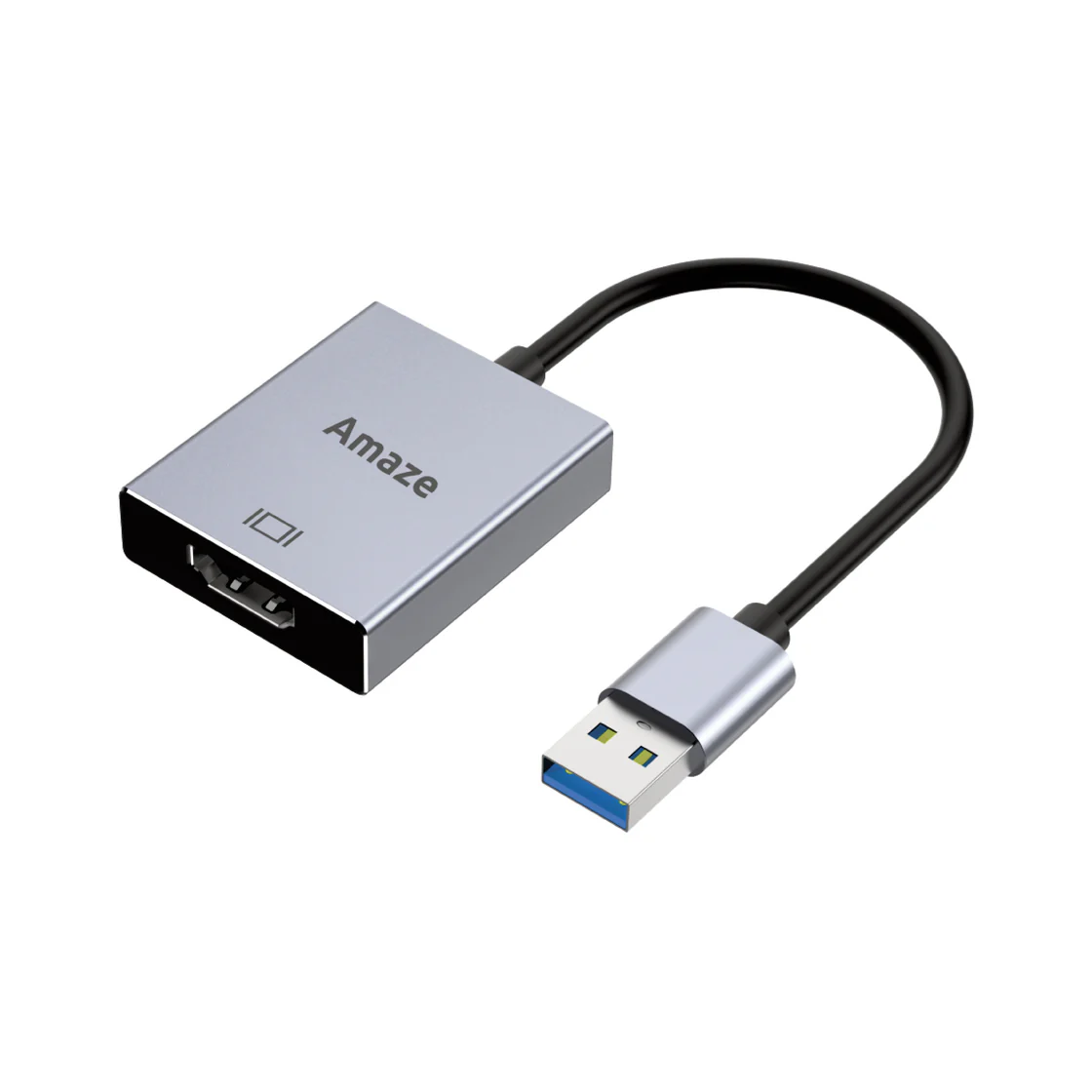
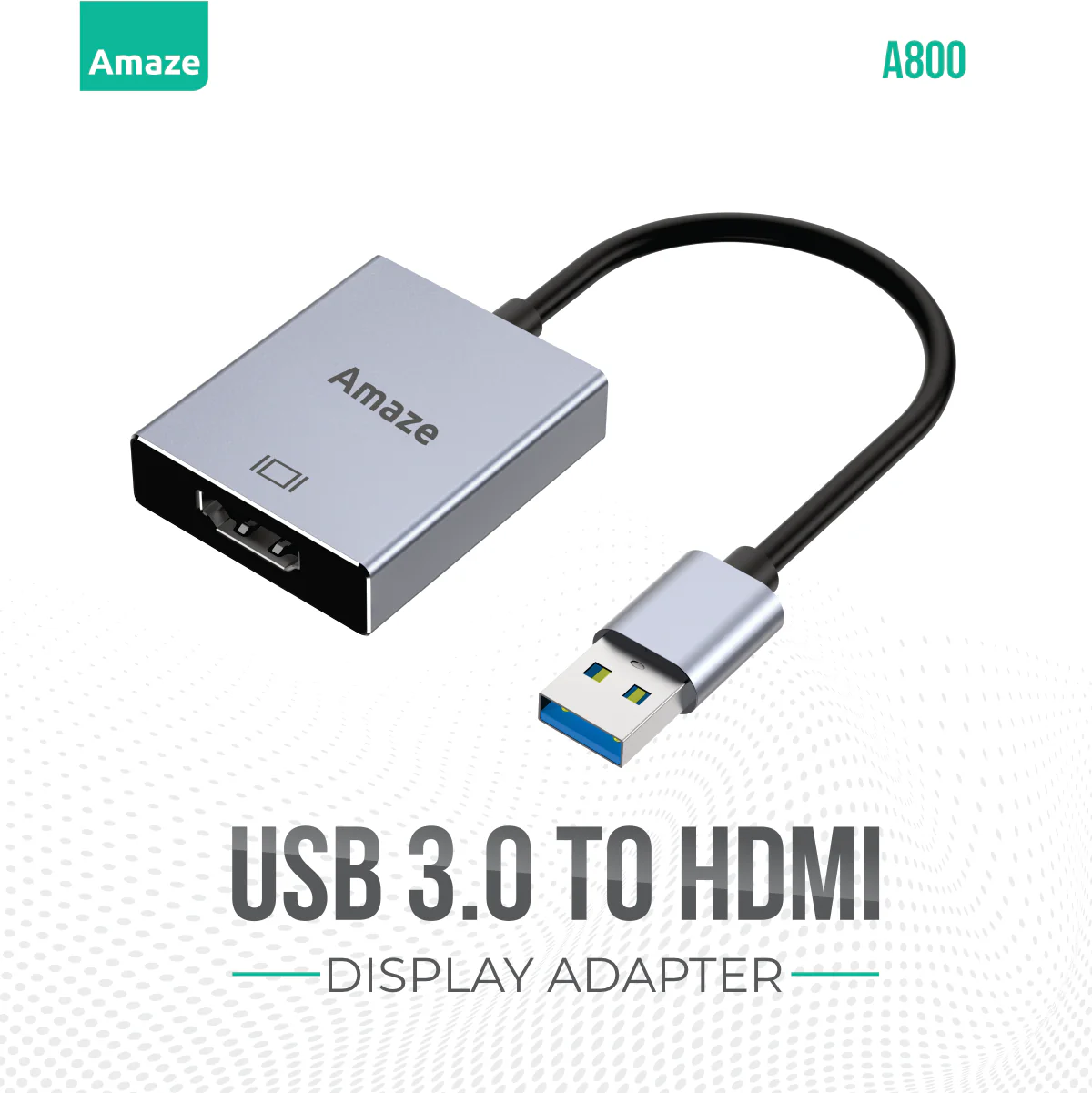
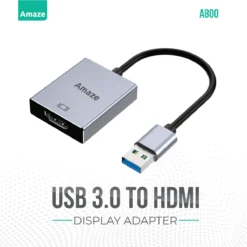
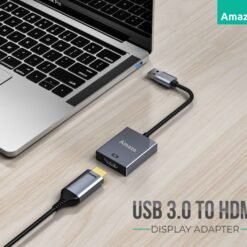
Amaze A800 USB to HDMI

Original price was: ₨ 4,000.00.₨ 3,250.00Current price is: ₨ 3,250.00.
Delivery Time: 1-3 Working Days
Delivery Time : 3 to 6 Days
Key Features
Original Products
Packing Video Will Be Share on Order
Amaze USB 3.0 to HDMI Adapter A800 – Display Converter
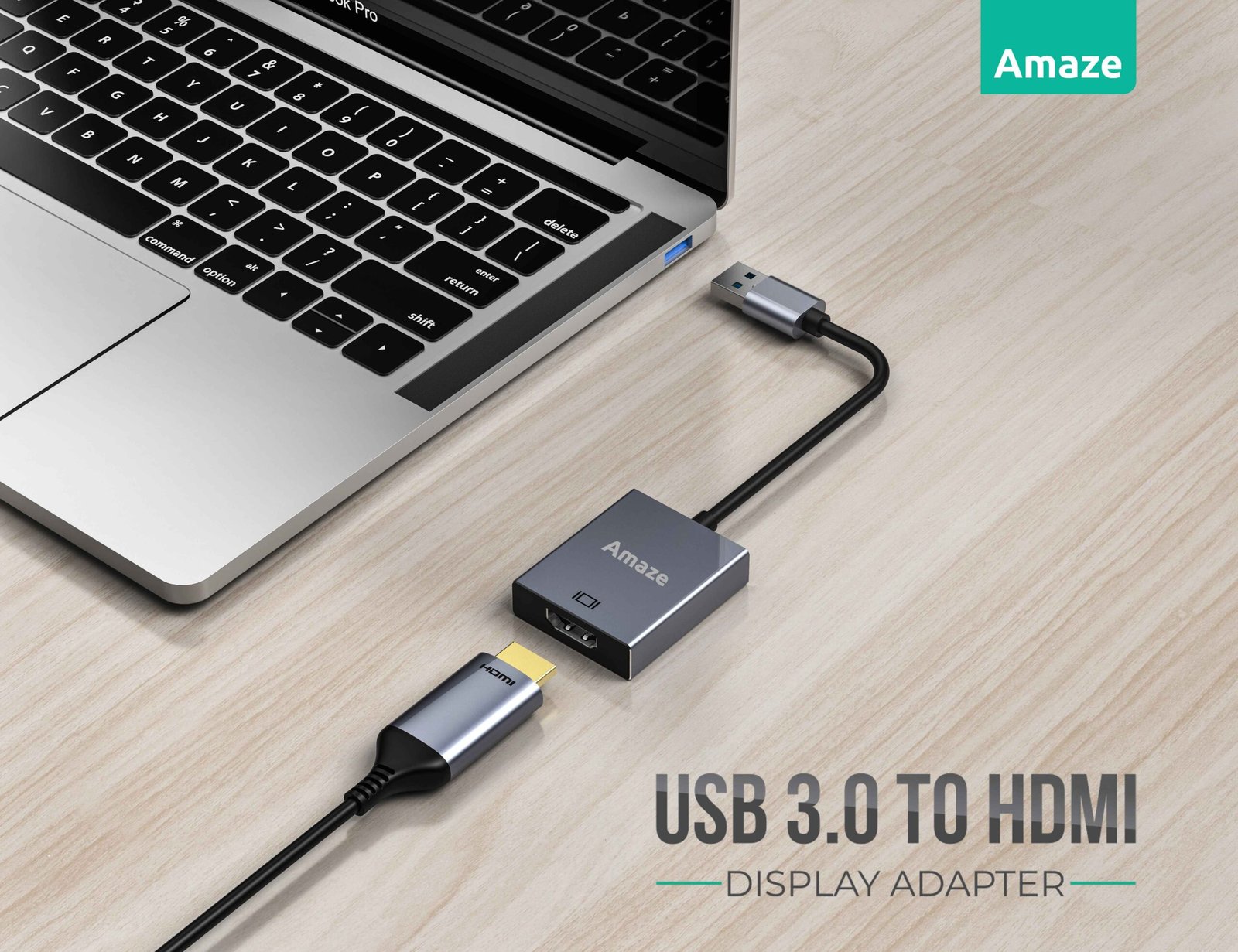
The Amaze USB 3.0 to HDMI Adapter (Model A800) is a compact, high-performance solution designed to connect your laptop or PC to HDMI-enabled displays such as monitors, TVs, and projectors. With support for Full HD 1080P resolution, this adapter ensures crystal-clear visuals, making it ideal for presentations, video conferencing, streaming, and multitasking.
Built with a durable aluminium alloy body and a flexible TPE cable, the A800 adapter is lightweight, portable, and perfect for both office and travel use.
Key Features of Amaze USB to HDMI Adapter
1080P Full HD Resolution for sharp and smooth video output
USB 3.0 High-Speed Interface for stable and fast data transfer
Supports Mirror Mode & Extend Mode for multitasking
Plug and Play – no drivers or external power required
Compatible with Windows XP, 7, 8, 10, and 11
Compact & Travel-Friendly Design
Premium Aluminium Alloy Build with flexible cable
Why Choose Amaze A800 USB to HDMI Converter?
The Amaze A800 stands out as a reliable USB to HDMI display adapter for users who need an easy and efficient way to extend or mirror their screen. Whether you’re working remotely, giving presentations, or watching movies, this adapter delivers consistent performance without complicated setup.
Technical Specifications
Feature Details
- Model A800
- Material Aluminium Alloy + TPE
- Input Port USB 3.0
- Output Port HDMI
- Resolution 1080P Full HD
- Cable Length 15 cm
- Display Modes Mirror / Extend
- Compatibility Windows XP / 7 / 8 / 10 / 11
- Power No external power required
Frequently Asked Questions (FAQ)
Q1: Does the Amaze USB 3.0 to HDMI Adapter support 4K resolution?
No, this adapter supports up to 1080P Full HD resolution, which is ideal for most everyday tasks and presentations.
Q2: Is this adapter compatible with macOS or Linux?
The A800 is primarily designed for Windows operating systems (XP to Windows 11). Compatibility with macOS or Linux is not guaranteed.
Q3: Do I need to install drivers before using it?
No, it features plug-and-play functionality, so you can use it without installing additional drivers.
Q4: Can I use this adapter for dual monitor setup?
Yes, it supports Extend Mode, allowing you to use a second screen for multitasking.
Q5: Does it require external power?
No, the adapter is powered directly through the USB 3.0 port, so no extra power supply is needed.
Related products
Accessories
Accessories
Accessories
Accessories
Accessories

Accessories
Accessories
Reviews
There are no reviews yet